Shift coverage
 Shift coverage
Fill open shifts with eligible warehouse workers.
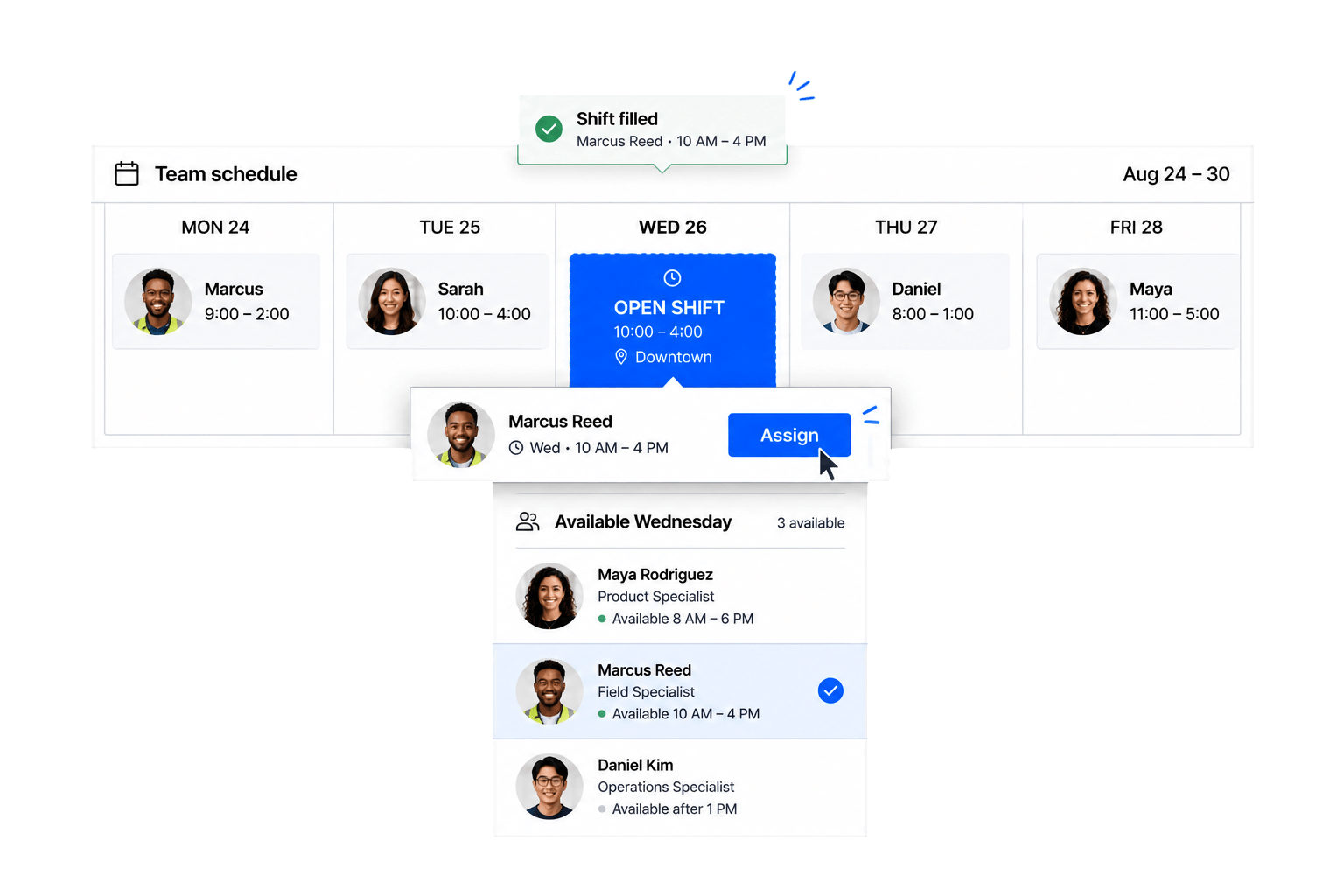
Configure warehouse staff scheduling around availability, open shifts, roles, locations, approvals, attendance, and the operating rules of each facility.
Warehouse Workforce Operations
Connect availability, location-based schedules, assignments, and verified time in one configurable people-operations layer.
Fill open shifts with eligible warehouse workers.
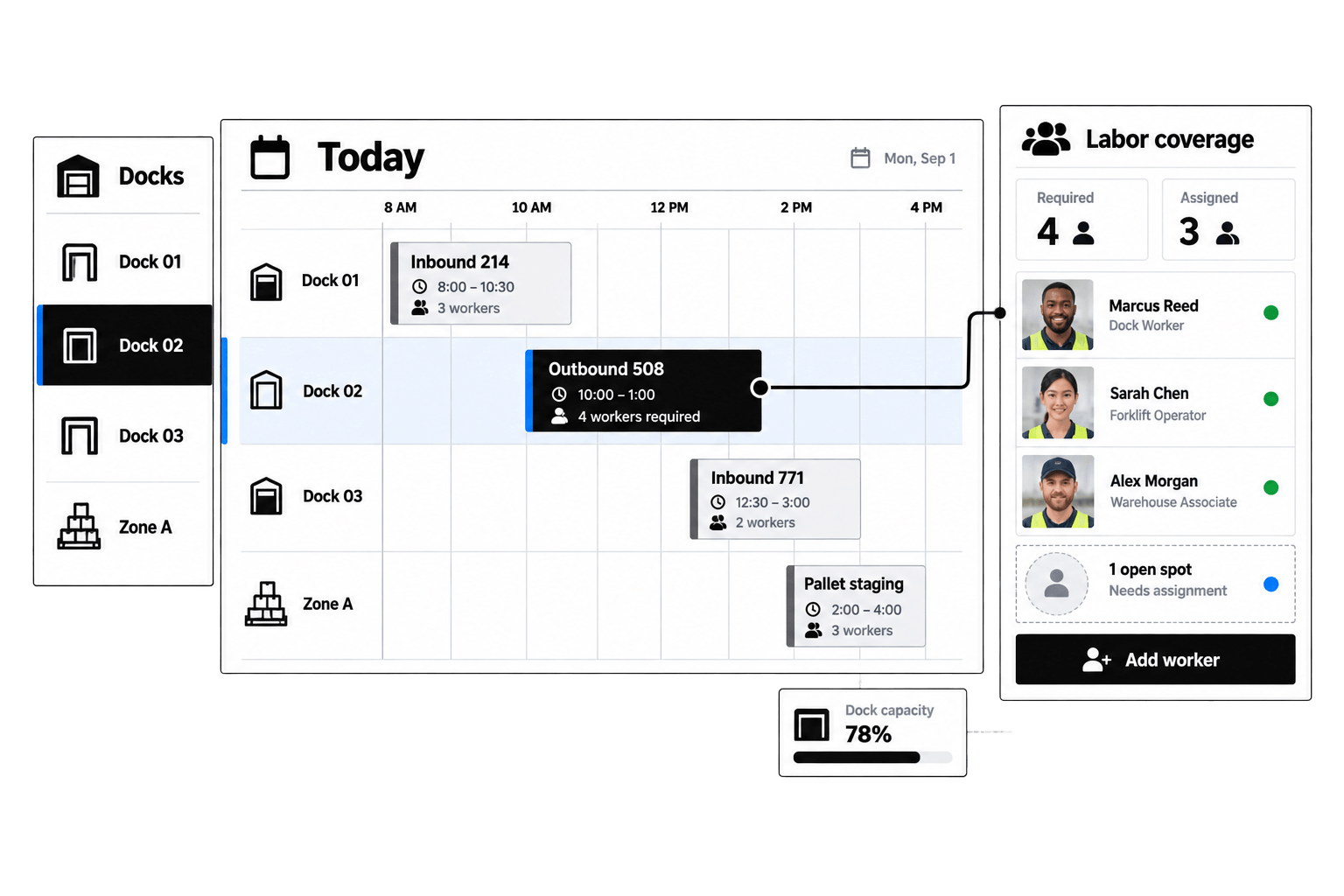
Organize assignments across facilities and work areas.
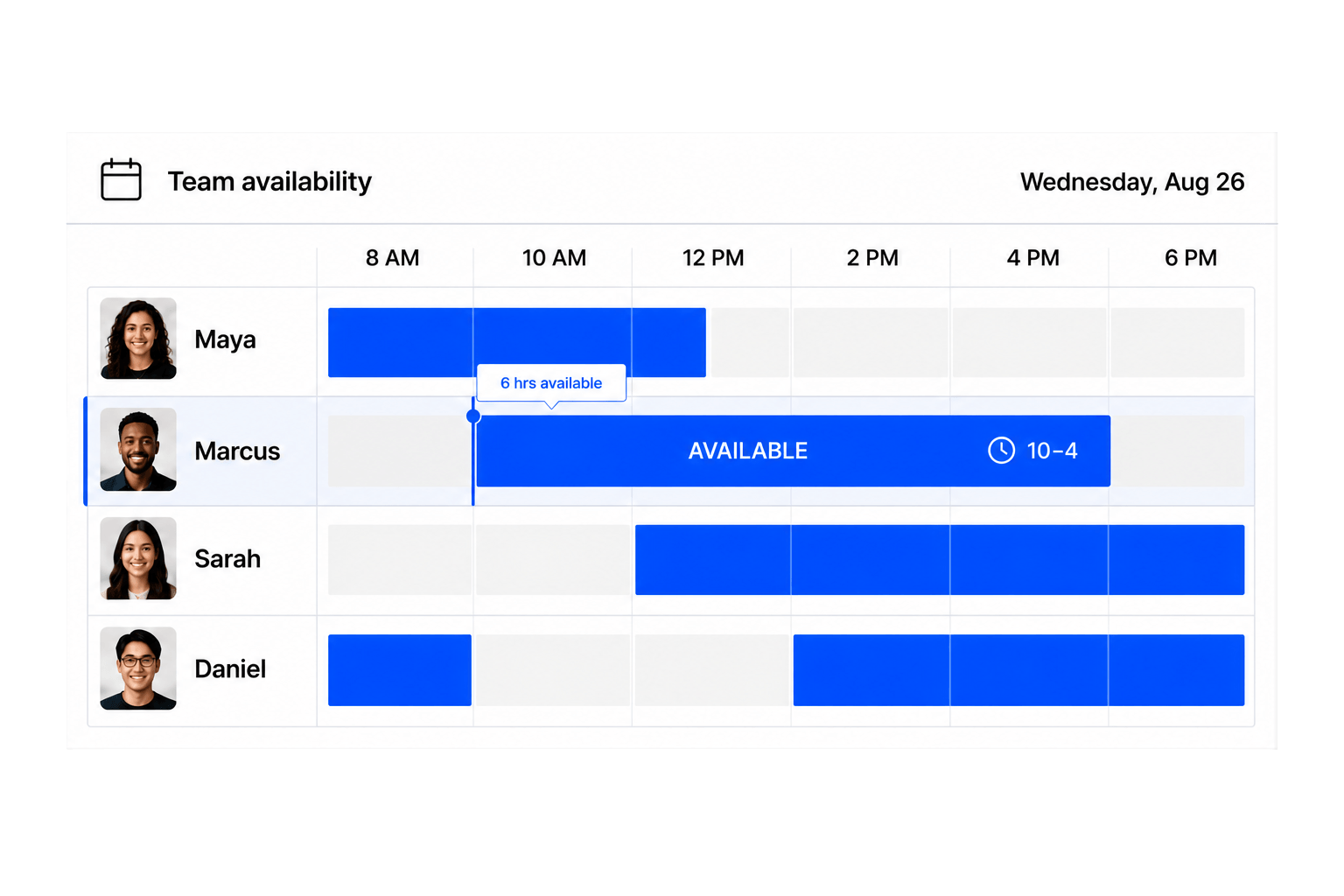
See who can work before publishing the plan.
Connect attendance and location signals to shifts.
Warehouse scheduling software coordinates the people required to operate a warehouse: their availability, roles, shifts, assignments, attendance, and schedule changes. It complements operational systems rather than managing inventory, robotics, or supply-chain planning.
Warehouse managers, shift supervisors, workforce coordinators, operations teams, and workers use it to publish schedules, fill gaps, confirm assignments, and understand coverage at each location.
No. Workhint configures the people and work scheduling layer. It can organize warehouse workforce scheduling alongside a WMS, but it does not claim to manage inventory, fulfillment logic, or warehouse robotics.
Yes. Locations, zones, departments, teams, and roles can be configured so managers build and view schedules for one facility or coordinate coverage across several warehouse locations.
Workers can submit availability and managers can use it when assigning shifts. The workflow can surface availability conflicts before a schedule is confirmed or changed.
Yes. Open shifts can be offered to an eligible group based on role or location, with responses routed to the manager who makes or approves the final assignment.
Yes. Configure requests for swaps, replacements, cancellations, and manager approvals, while keeping workers informed of the current confirmed schedule.
Roles can represent functions such as picker, packer, loader, receiver, or supervisor. Eligibility and assignment rules can then route a shift to workers with the appropriate configured role.
Yes. Scheduled assignments can connect to clock activity, attendance status, exceptions, and manager review so operations teams compare planned coverage with recorded work.
Yes. Location verification can be configured as an operational signal in the time workflow where it is appropriate for the organization and worker experience.
Workers can see their schedules, open shifts, confirmed assignments, changes, time records, and relevant actions in an experience branded for the warehouse operator.
Workhint uses modular roles, forms, statuses, permissions, and workflows, allowing each operator to reflect its own locations, approval paths, scheduling rules, and exception handling.
Describe worker types, roles, locations, availability rules, shift patterns, approval paths, and portal needs. Workhint uses AI to configure an initial operating system that your team can refine.
 Location-based schedules
 Worker availability
 Time verification